01
INDEPENDENT THROTTLES
Two screws. A thousand little decisions.
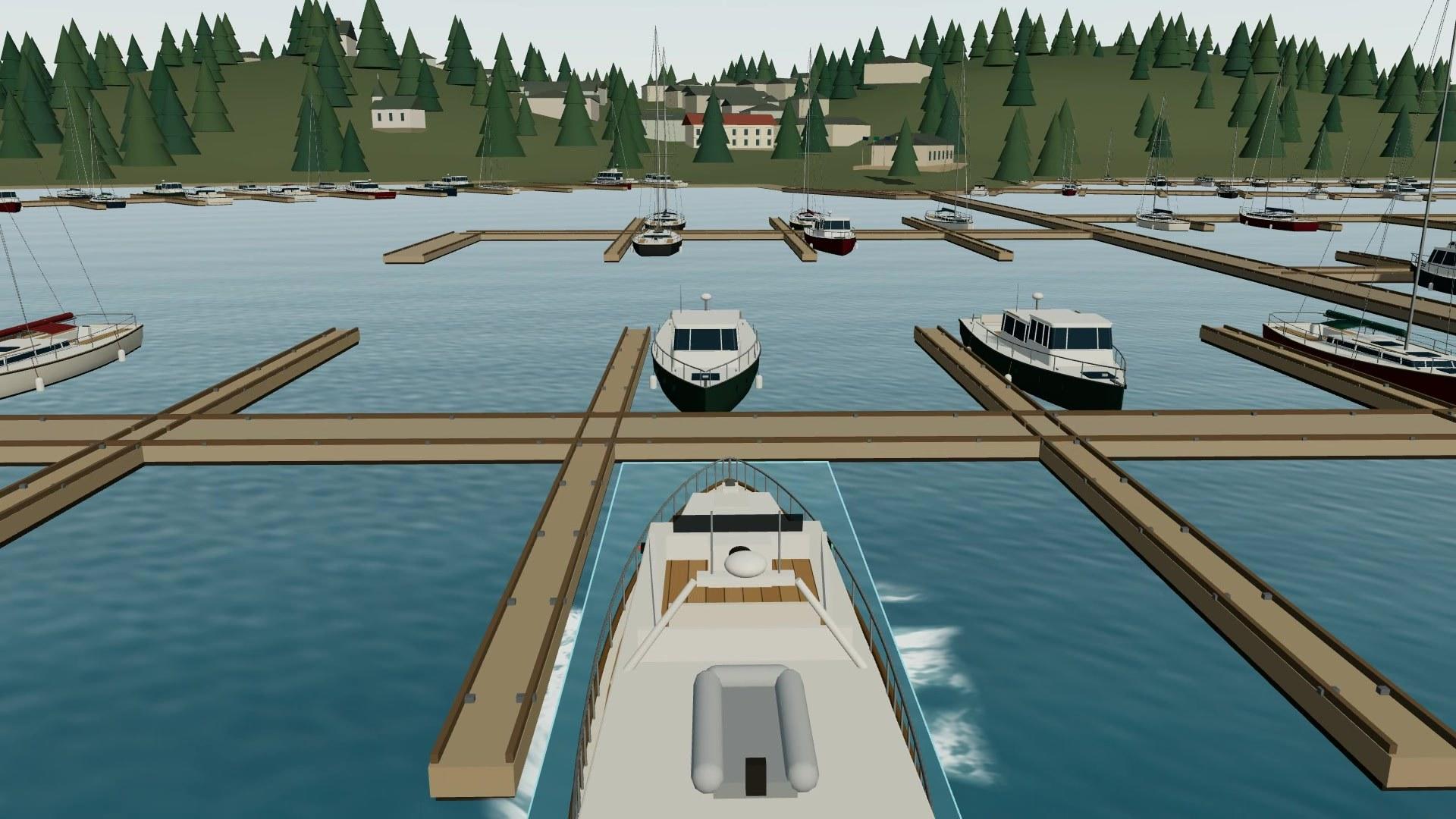
Port ahead. Starboard astern. A touch of bow thruster. Feel prop walk, leftover momentum, and the difference a small correction makes.
MADE FOR PEOPLE WHO LOVE BOATS
The engines rumble. The fairway narrows.
One more chance to make that approach feel right.
Free in your browser · Keyboard or USB helm · No sign-up to play
CAST OFF / THE FILMS
Real simulator footage, from the first turn of the screws to the next “let me try that again.”
The 40-second tour shows forward views of Roche Harbor, independent engine handling, the chart plotter, different boats, wakes, and a return to the marina. On-screen captions introduce each feature, then invite you to play and contribute at my-boats.vercel.app. The 15-second film takes highlights from the same footage. Both use an original instrumental soundtrack, with no spoken dialogue.
MORE THAN POINTING THE BOW
That moment when neutral doesn’t mean stopped. When the wind gets a vote. When a clean arrival feels very, very good.
INDEPENDENT THROTTLES
Port ahead. Starboard astern. A touch of bow thruster. Feel prop walk, leftover momentum, and the difference a small correction makes.
CHARTS + CONDITIONS
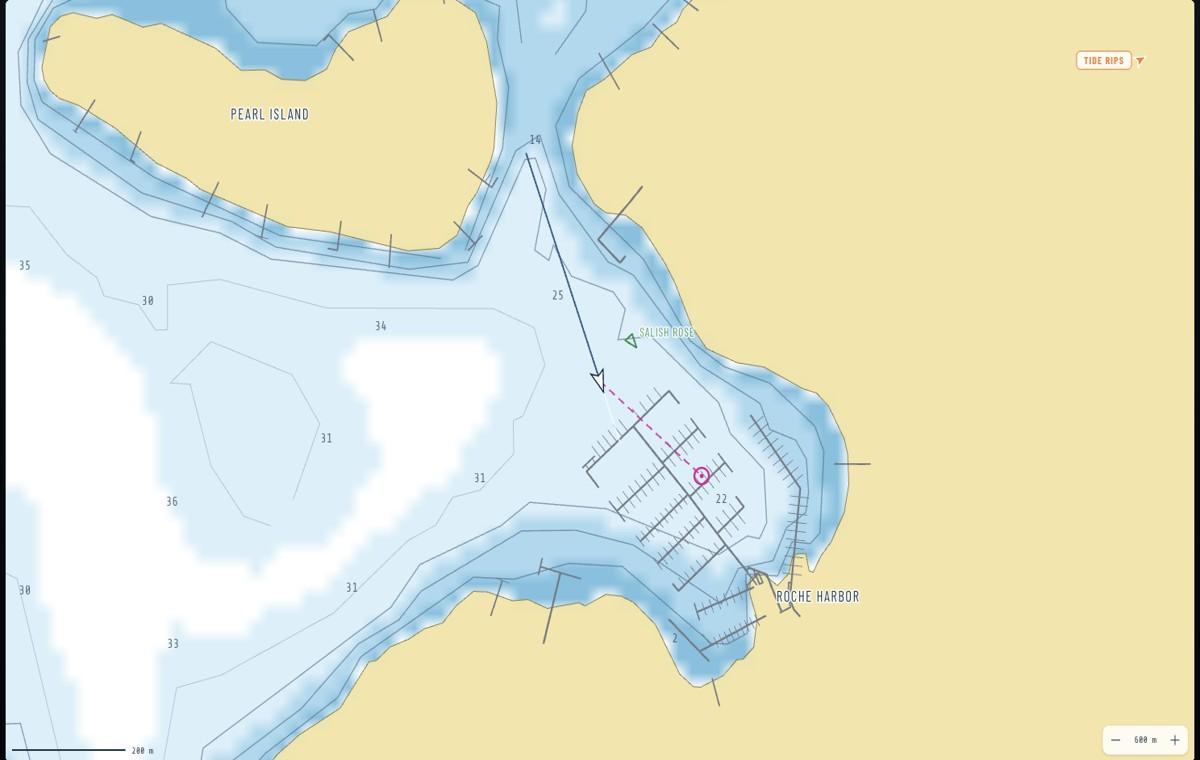
Read depth contours, watch traffic on the plotter, and follow a route through the fairway. Switch from calm water to local wind and current.
SEVEN BOAT PROFILES
Trade the Grand Banks for a Nordhavn, a Chris-Craft, or a little Cranchi. Each profile brings its own dimensions, response, and helm styling.
A PLACE WORTH COMING BACK TO
Practice Roche Harbor arrivals, leave Squalicum, or head for a sheltered island anchorage. The scenery starts with NOAA survey data and OpenStreetMap docks.
Some itinerary locations use nearby stand-in scenes. This is a simplified maneuvering simulator; use official charts and on-water instruction for real trips.
Meet the whole fleetAnd when curiosity gets the better of you? There’s turbo, breakable docks, hull damage, and a very forgiving restart button.
YOUR FIRST FIVE MINUTES
Launch the sim, choose Calm, and press Start engines. Try FWD for the view from behind the boat.
W/S control port. I/K control starboard. Hold to move a lever; release to keep its setting. Space returns both to neutral.
Use A/D for bow thrust. Add wind and current. Change boats. Or plug in a Thrustmaster TCA quadrant for two physical levers.
A desktop browser and keyboard are the easiest way aboard. Use Chrome for USB throttle-quadrant support.
Start your first approachBUILT BY A BOATER. BETTER WITH A CREW.
This started with a Grand Banks charter in the San Juans and a wish for more practice before the dock lines came off. Now it’s an invitation to fellow boat people: try it, tell us what feels right, and help make the next approach better.
Come aboard on GitHubProp walk, a tricky fairway, a berth that needs work. Specific observations make a difference.
↗BUILDERS + TINKERERSBring your kind of boat nerd.Improve a hull, tune a helm, add an exercise, or help with charts, sound, and documentation.
↗FRIENDS AT THE DOCKPass the film around.Send it to your cruising group or the friend who always wants one more go at the helm.
↗